1. Keep business details consistent
Customers should recognize the same business on your website, Google Business Profile and social accounts. Check your name, phone number, opening hours and address if visitors are welcome there. Keep one accurate record and share it with everyone maintaining those channels.
When a number or opening time changes, update the important listings. For a business visiting customers, explain the service area; do not present a private address as a branch welcoming customers.
2. Explain the service and service area
The heading should explain what you do and whom you can help. “Air conditioning repairs in Banja Luka” is more useful than a vague promise about perfect solutions. Include the jobs you handle, coverage and booking arrangements.
Use the location naturally in the title and relevant text. Repeating it in every paragraph makes reading harder. Visitors mainly need to understand whether you can solve their problem and how to contact you.
3. Give location pages a real purpose
A city page makes sense when it supplies useful local information: coverage, travel arrangements, availability or a genuine example of completed work. If there is a branch, include its actual address and directions.
Avoid making dozens of nearly identical pages by swapping city names. A clear service-area page can be more useful for a business covering several towns, especially when it accurately explains how the business operates.
4. Maintain your Google Business Profile
Check that the primary category matches what you actually do. Add correct contacts, regular and holiday opening hours, a service description and your own photographs. The profile link should lead to a page explaining the same offer.
Google lists relevance, distance and prominence as the foundations of local results. A complete profile does not promise a particular position. If someone else maintains the profile, the business owner should retain their own access.
5. Ask for genuine reviews
Ask customers to share their experience after completed work. Make the profile easy to find and respond without exposing private details. When handling a complaint, explain the next step and offer to discuss the actual problem.
Do not buy reviews, write them for customers or reward positive ratings. Use authentic feedback on your website with appropriate permission. A review should help visitors understand the experience, rather than replace an explanation of your service.
6. Show your own work
Your own photographs of the team, premises and completed work provide more context than generic pictures. Explain the task, what you delivered and any relevant limits. Obtain the necessary permission before publishing photographs.
Do not present an illustration as evidence of a real result. Compress images and provide useful descriptions when they convey important information. Check the phone view, especially when a picture contains text or a detail customers need to see.
7. Test contact options on a phone
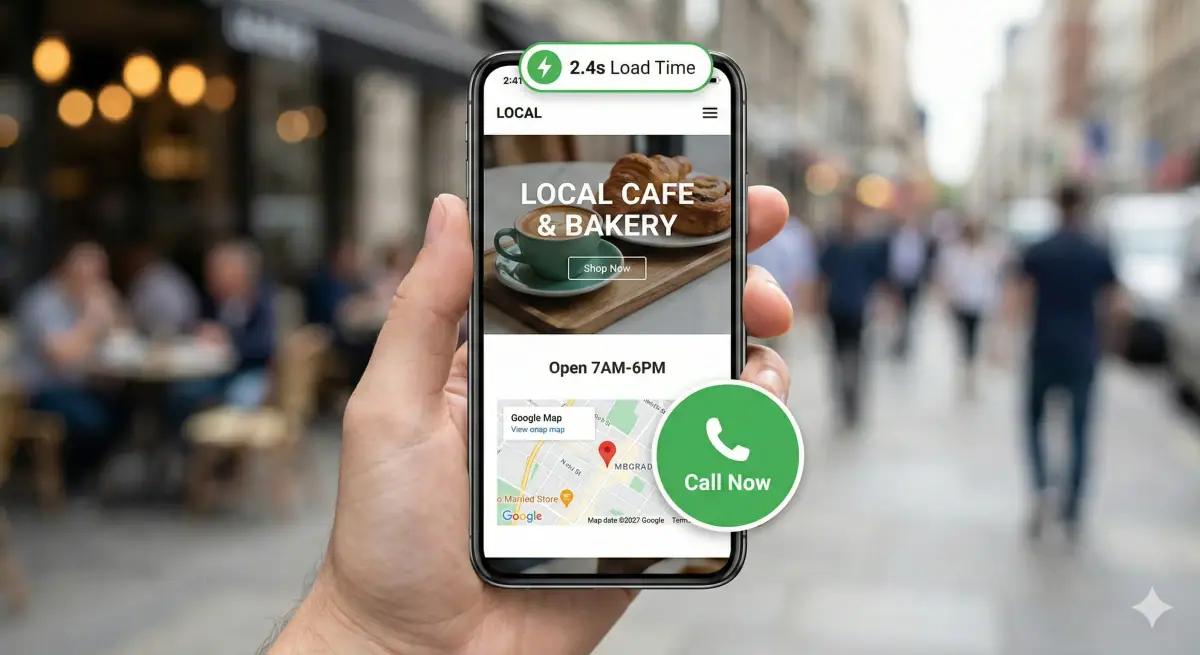
Open the website on a real phone. Can you read the offer, tap the number and send an enquiry without zooming? Buttons need clear labels, enough separation and a visible state when used.
Ask for information needed to respond in the first form. After submission, show a genuine confirmation and explain how the conversation continues. Test where the enquiry arrives as well: an attractive form is little use if the message is overlooked or lost.
8. Check speed and accessibility
Large images, unnecessary extensions and video loading immediately can make pages harder to open. Review important pages with PageSpeed Insights and a slower connection. Compare those findings with actual user experience.
Check HTTPS, links and readability with enlarged text. Forms need clear labels and understandable errors. Try reaching the main controls with a keyboard. First fix barriers preventing visitors from reading, booking or sending an enquiry.
9. Use accurate structured data
Structured data describes a business in a form search engines can process. The name, address, phone and opening hours should match information visible to visitors. Choose the appropriate type and validate the markup with Google's tools.
Do not add nonexistent branches, invented ratings or services you do not offer. Markup does not replace a useful page or guarantee a special appearance. When a business detail changes, update both the visible text and the corresponding structured data.
10. Maintain the website and follow enquiries
Assign responsibility for contacts, received enquiries and content checks. Record the questions customers ask before buying and improve pages that fail to answer them. If you use analytics, configure it carefully and connect technical events with real business outcomes.
Start with a small review: the main service, phone, form, location page and Google Business Profile. List the issues and first fix anything preventing visitors from understanding the offer or making contact.
Frequently asked questions
What should a local business website say?
Your business name, what you do, the area you work in and how to contact you. If customers visit you, add the exact address and opening hours. The details must be the same everywhere the business appears, including your Google Business Profile.
Do I need a separate page for every town I work in?
No. A separate page makes sense when it holds useful local information, such as the service area, how to reach you or an example of work you actually did. Dozens of near-identical pages that only change the town name do not help visitors, and one clear page about your service area is often better.
How do I check that the contact details on my website really work?
Open the site on a real phone, tap the number and send a test enquiry through the form. Then check that the message reached the person who answers it. A good-looking form does not help if the message gets lost or goes unnoticed.
Why must my website match my Google Business Profile?
A customer should recognize the same business wherever they find you. So your name, phone number, opening hours and address must be the same on the website and on the profile, and the link from the profile should lead to a page explaining the same offer. A complete profile does not guarantee a particular position in search results.
Can I put customer reviews on my website?
You can, if they are genuine and you have the customer's permission. Do not buy reviews, write them on customers' behalf or offer a reward for a positive rating. A review helps people understand what working with you is like, but it does not replace a description of the service.
Start with your most important service. Ask someone unfamiliar with your business to find the price or quote process and send a test inquiry.